Switch Boxes
The CSS Switch Boxes
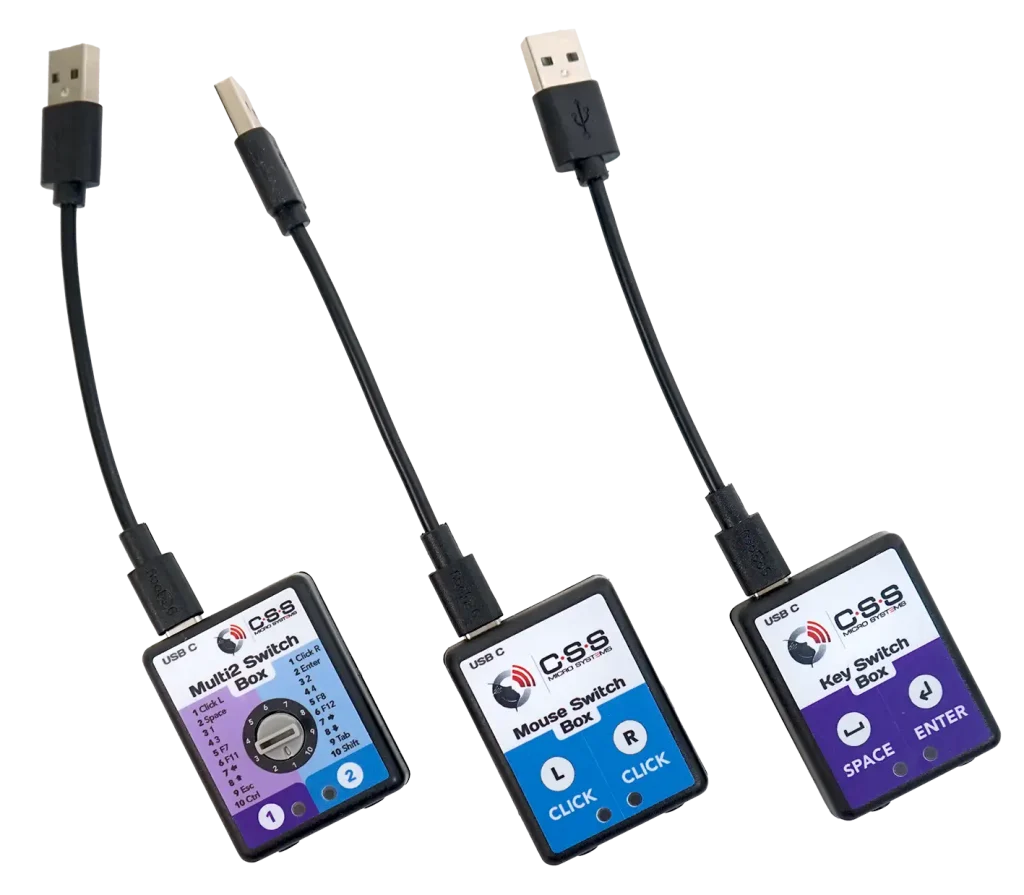
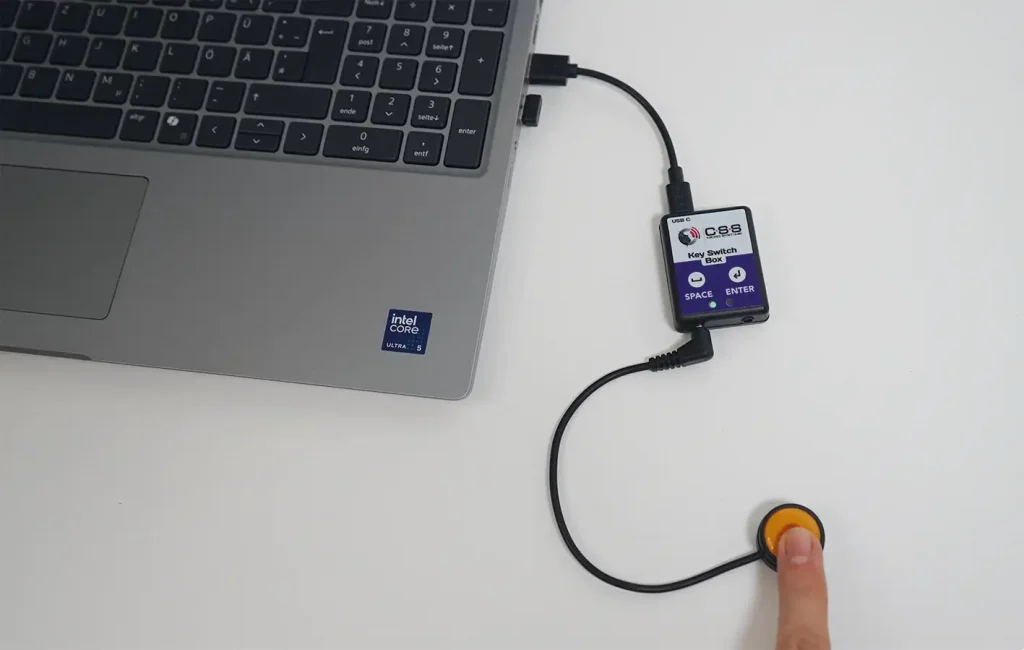
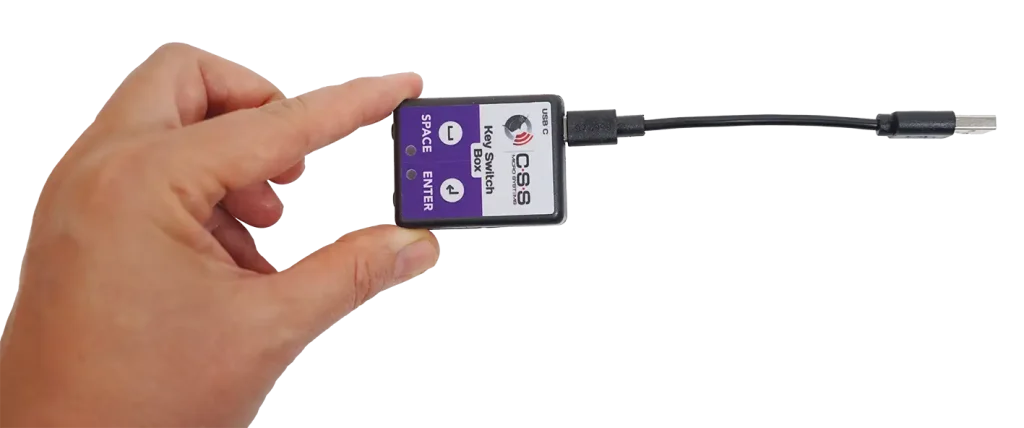
With up to two single switches, our Switch Boxes can trigger a wide variety of mouse clicks and keyboard keys. They connect to the PC via the included USB cable or an existing USB-C cable.
Plug & Play: No driver installation required - just plug it in and get started. Functions can be triggered either via two individual buttons with 3.5 mm mono jack plugs or a dual-function sensor (e.g. Hy-Pneumax sipp&puff switch) with a 3.5 mm stereo jack plug.
The integrated status LEDs indicate the status (button pressed or not) and assist with setup and daily use.
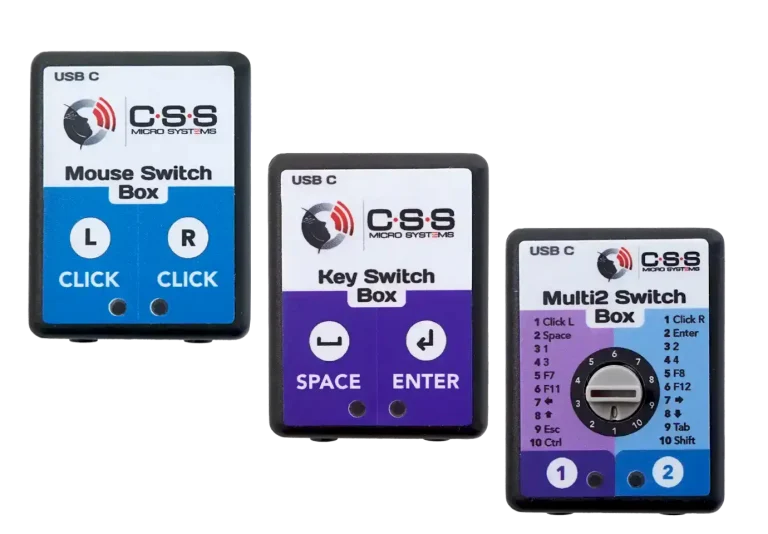
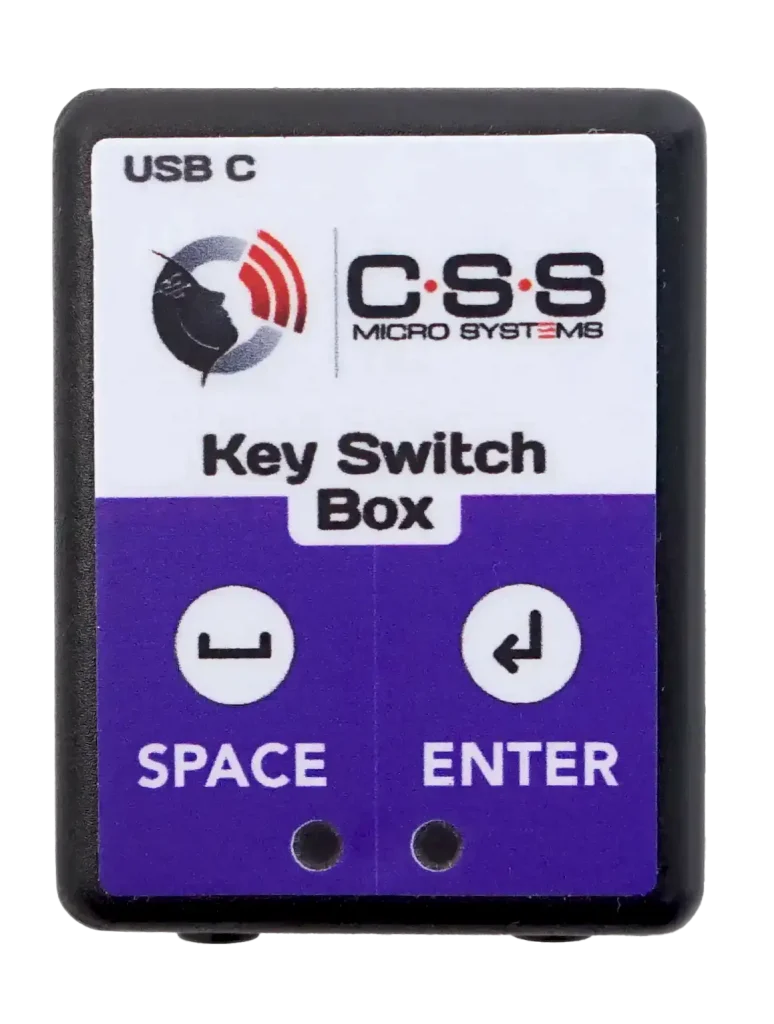
Key Switch Box USB
Space & Enter key
One or two switches can be connected to this switch box to activate the Space and Enter keys. This supports numerous programs.
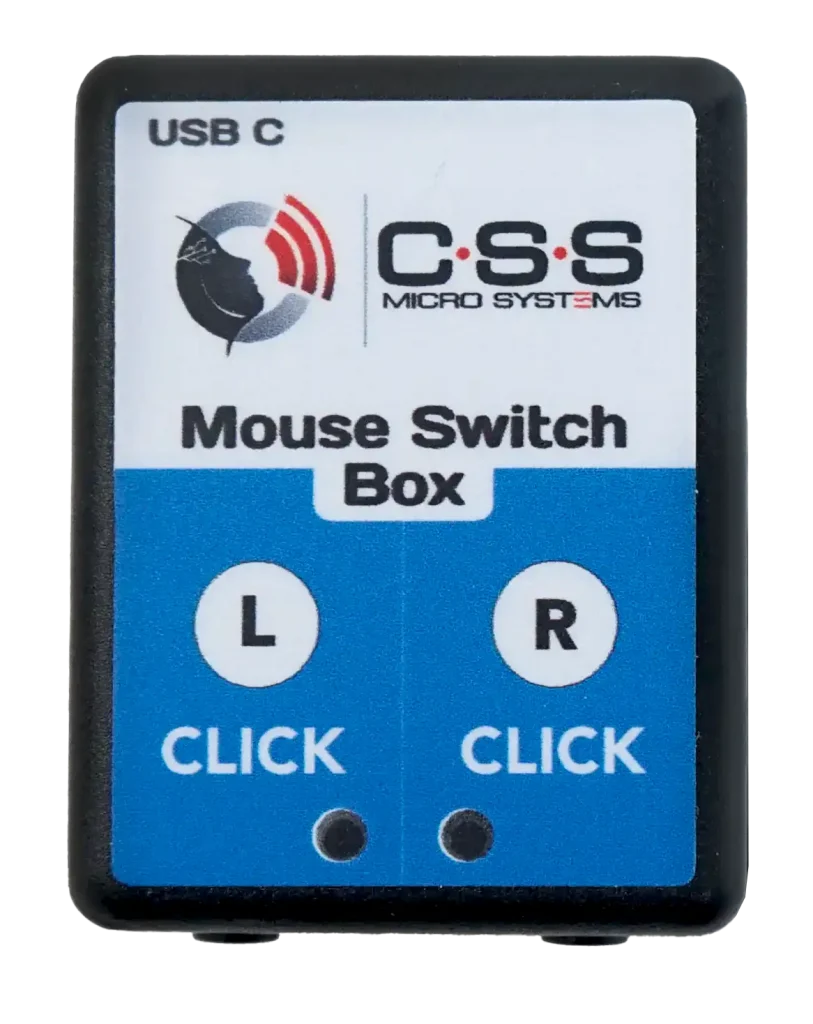
Mouse Switch Box USB
left & right mouse buttons
One or two switches can be connected to this switch box to activate the left and right mouse buttons. This allows these two important functions to be triggered using switches in parallel with a mouse, keyboard, trackball, or joystick.
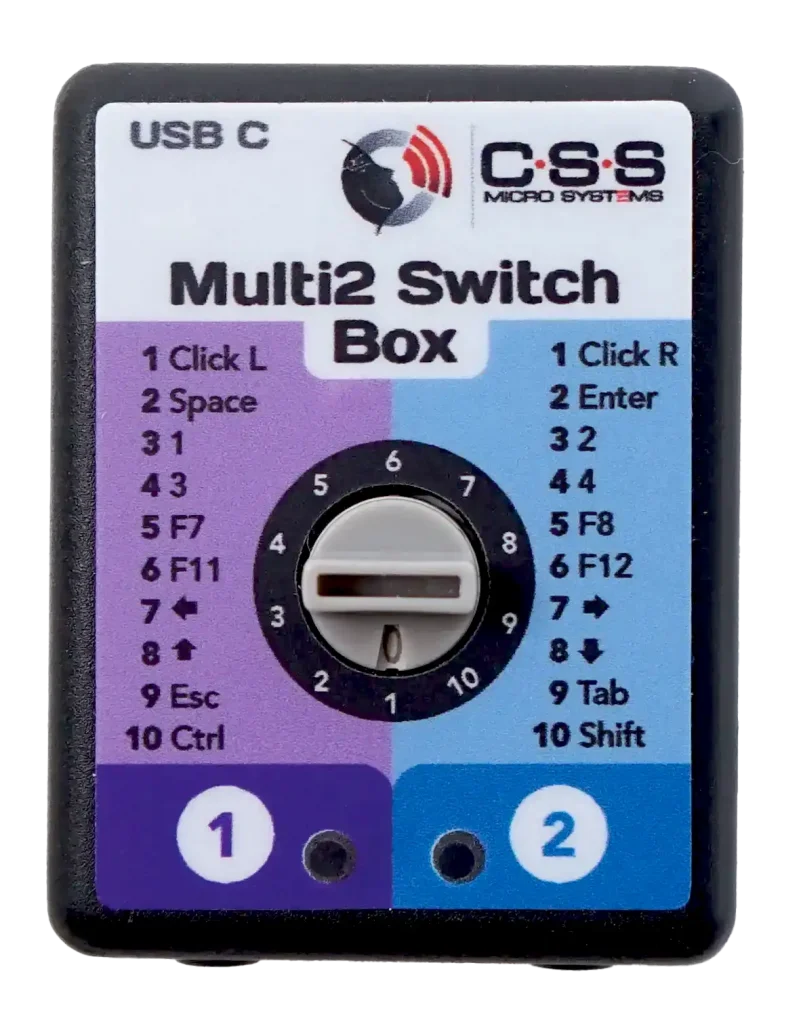
Multi2 Switch Box USB
10 Options
One or two switches can be connected to this switch box. The function of the two sensors can be set using a rotary knob; 10 different combinations are available.
- Left/right mouse button
- Space/Enter key
- 1 / 2
- 3 / 4
- F7 / F8
- F11 / F12
- Cursor left/right
- Cursor up/down
- Esc/Tab
- Ctrl/Shift
This supports all common programs. In addition to a mouse, keyboard, trackball, or joystick, two control functions can be triggered using push buttons or single sensors.
Additional information
and technical data
- Connection: USB-C
- Connection cable: USB-A to USB-C
- Sensor connections: 2 × 3.5 mm jack sockets
- Status LEDs: for indicating operating status
- Plug-and-play installation
- Compatible with: Windows, macOS, iPadOS, iOS, Android und Linux
- Dimensions: 51 × 39 × 14 mm
- Weight: 16 g
Reseller & Distributors
Get the right switch box from our specialist reseller in your area!